
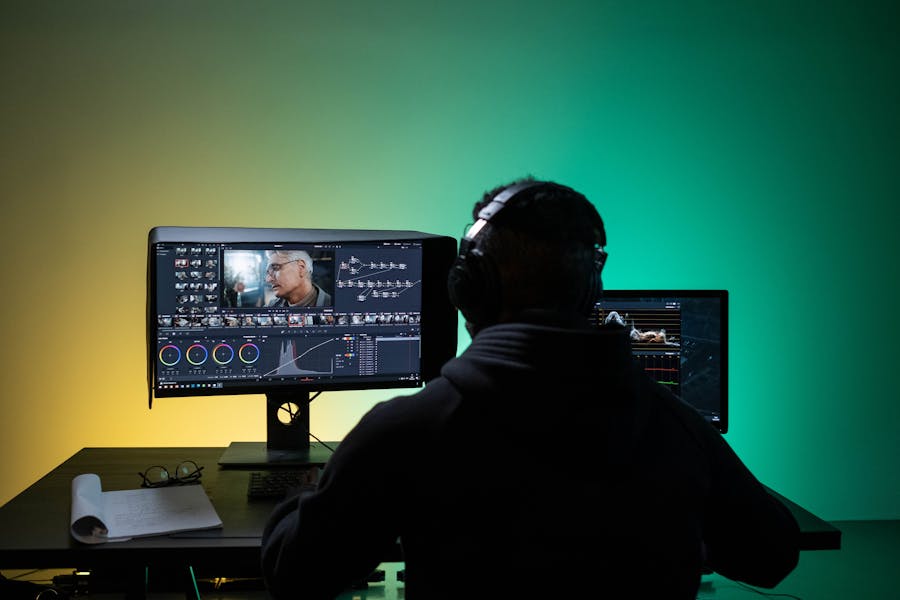
Top 10 Creative Tools You Need to Edit Videos Faster
Discover the top creative tools and tech tools of 2025 that speed editing, streamline workflows, and let teams produce polished video faster.
Most video teams spend more time wrestling with software than actually editing. This article is for video editors, content creators, and marketing teams who want to speed up production and reduce technical bottlenecks using video editing AI tools to streamline workflows. The right creative and tech tools use AI, GPU acceleration, and collaborative features to streamline every step of production. From fast rough cuts to AI-assisted enhancements and precise color finishing, these tools create repeatable pipelines that free editors to focus on storytelling.
Table of Contents
What Are Creative Tools?
Creative tools are software apps and tech tools that combine editing, effects, AI, and collaboration features to help creators produce video more efficiently. In 2025 these tools include desktop NLEs, cloud editors, AI-assisted platforms, and GPU-accelerated enhancers that together enable workflow optimization. The best creative tools let teams automate repetitive tasks—transcoding, captioning, scene detection—while maintaining editorial control, versioning, and integration with asset management systems. Using these creative tools helps studios and creators scale output, reduce turnaround time, and standardize quality across projects.
Top 10 Creative Tools for Video Editing
1. Adobe Premiere Pro
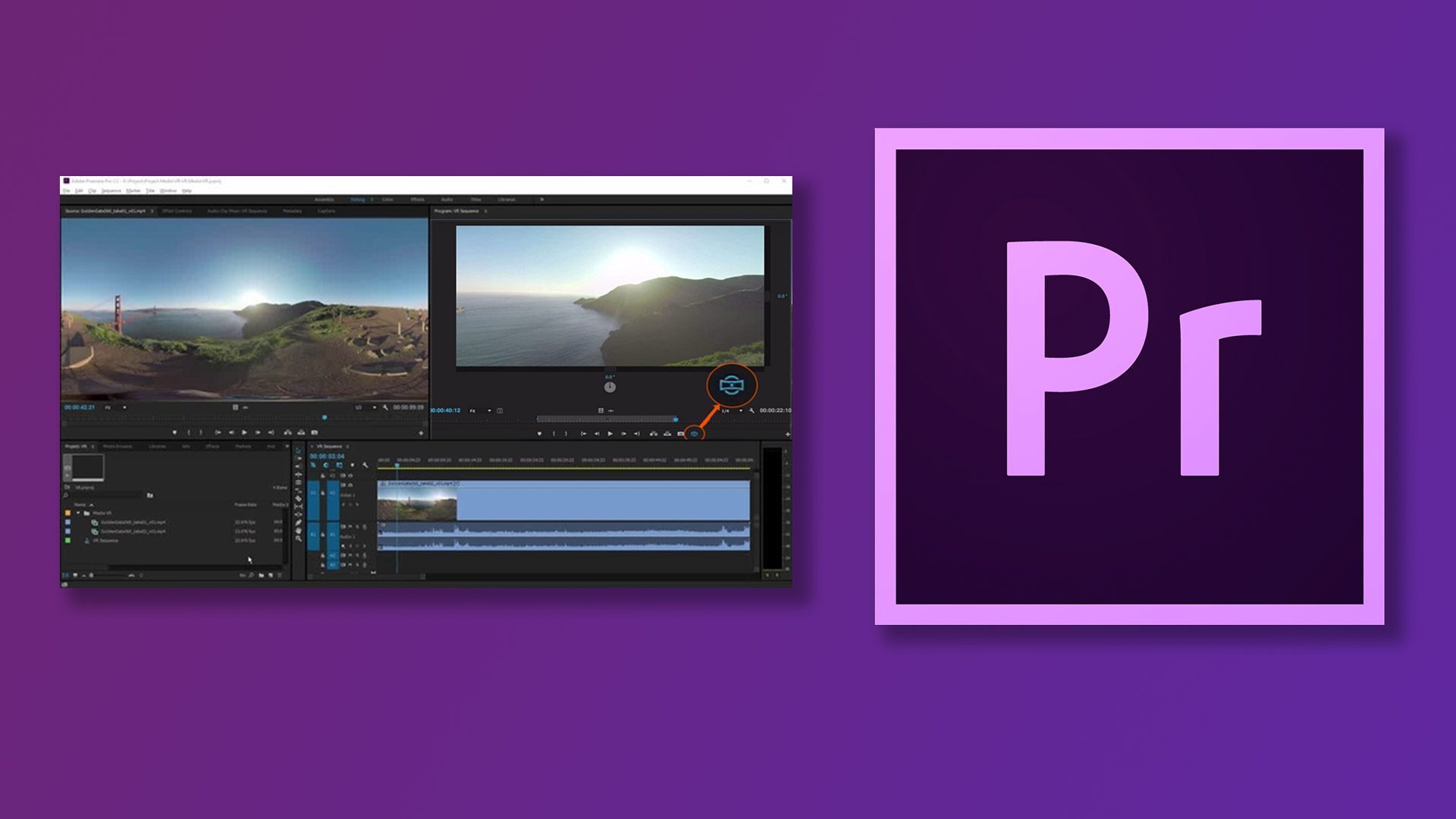
Adobe Premiere Pro remains a premier creative tool for professional editors in 2025, blending deep timeline editing with integrated AI features from Adobe Sensei. Premiere Pro supports accelerated GPU rendering, proxy workflows for large 4K/8K projects, multi-camera editing, and native integration with After Effects and Adobe Stock. Its powerful media management and team projects features make it ideal for collaborative environments where workflow optimization matters. Premiere’s automation features—auto-reframe, scene edit detection, and speech-to-text captions—shave hours off routine tasks. For studios and freelance editors looking for a versatile, industry-standard NLE, Premiere Pro’s combination of creative control and time-saving automations makes it one of the best tech tools to edit videos faster while maintaining fine-grained manual control over the final cut.
2. DaVinci Resolve
DaVinci Resolve is a top creative tool for finishing and color grading that also offers a full-featured NLE and Fairlight audio suite. Its Neural Engine adds machine learning capabilities—face recognition, smart reframing, scene cut detection, and auto color balancing—that speed editorial and finishing work. Resolve’s node-based color workflow and collaborative server allow colorists and editors to work in parallel, improving throughput and enabling workflow optimization across post-production teams. Resolve supports GPU acceleration and high-quality upscaling, making it one of the best tools in 2025 for teams that require cinematic color control while also benefiting from automation and high-performance renders to shorten delivery times.
3. Final Cut Pro
Final Cut Pro continues to be a dominant creative tool for Mac-based editors thanks to its optimized performance on Apple Silicon, magnetic timeline, and fast background rendering. Final Cut’s automated tools—scene removal mask, smart conform, and automatic proxy generation—help editors move quickly from ingest to deliverable. Its integrated motion and color tools allow rapid iteration without moving projects between apps. For creators who prioritize speed and streamlined workflows, Final Cut Pro offers a polished, high-performance environment that significantly boosts productivity on macOS machines, making it a preferred tech tool in 2025 for fast turnaround projects and social video production.
4. After Effects

Adobe After Effects is the go-to creative tool for motion graphics and VFX, enabling editors to craft complex animations, compositing, and titles that elevate video production. While not a primary NLE, After Effects integrates tightly with Premiere Pro via dynamic link, speeding the handoff between editing and effects. In 2025, After Effects benefits from GPU acceleration, multi-frame rendering, and AI-assisted rotoscoping and object removal—features that dramatically reduce manual frame-by-frame work. For teams needing high-end graphics or quick template-driven motion design, After Effects remains one of the best tools for producing polished visuals while relying on automation to accelerate repetitive masking and tracking tasks.
5. Runway
Runway is an innovative creative tool that brings generative AI and advanced video editing features to creators via a user-friendly interface and cloud processing. Runway’s tools—background removal, inpainting, motion tracking, and generative fill—let editors perform complex tasks in seconds that previously required manual rotoscoping. Cloud rendering and model-powered effects enable teams to offload heavy compute while collaborating in real time. In 2025, Runway’s AI models are integrated into many production pipelines as one of the best tech tools for accelerating creative iterations, producing quick VFX passes, and speeding up tasks like object removal or re-framing that used to be bottlenecks in fast-turnaround projects.
6. Descript
Descript is a disruptive creative tool that rethinks editing by turning transcripts into the primary editing interface—edit the text, edit the video. It automates transcription, removes filler words, and supports overdub voice synthesis and easy captioning, making it ideal for interview-led, podcast, and educational video workflows. Descript’s automated speaker detection, chaptering, and instant subtitle export streamline routine tasks and speed time-to-publish. For content teams in 2025 looking to optimize workflows and reduce editing overhead, Descript is one of the best tools for fast, iterative edits where the narrative is driven by spoken word.
7. Topaz Video AI
Topaz Video AI is a specialized creative tool focused on high-quality enhancement—upscaling, frame interpolation, and denoising—powered by deep learning models. When footage quality or resolution is a constraint, Topaz’s batch-processing and GPU-accelerated inference let editors restore archival clips or produce sharp high-resolution outputs quickly. This capability makes it invaluable for workflows that require consistent quality improvements across many clips. In 2025, Topaz is one of the best tools for teams that need automated, scalable image enhancement with minimal manual tuning, improving final deliverables while saving hours on manual restoration work.
8. Kapwing
Kapwing is a cloud-based creative tool designed for rapid social video production—automatic subtitles, smart cropping, and template-driven edits are central to its value. Its browser-first experience enables non-technical creators and marketing teams to produce polished short-form clips without local installs. In 2025, Kapwing’s collaboration features, auto-captioning, and direct export to social platforms make it a top choice for teams needing quick turnaround and consistent brand styling across multiple outputs. Kapwing’s automation features and presets help streamline workflows and reduce repetitive formatting tasks for social-first campaigns.
9. Blender (Video Sequence Editor & VFX)
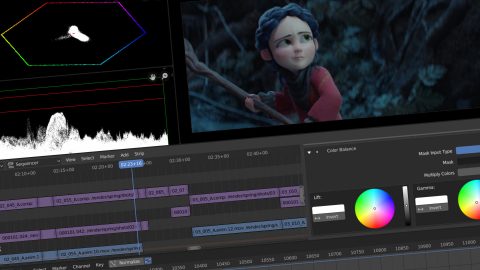
Blender is a powerful open-source creative tool that includes modeling, animation, and a capable Video Sequence Editor (VSE). For teams that combine 3D assets, complex compositing, and VFX with editing, Blender offers programmable pipelines (Python scripting), GPU rendering (Cycles/Eevee), and automation hooks that integrate into larger workflows. While its learning curve is steeper, Blender’s extensibility makes it one of the best tools in 2025 for studios that embed 3D and motion design into video projects and need scriptable automation for repetitive rendering, batch compositing, or generating multiple output variants without manual intervention.
10. VEED.IO

VEED.IO is a cloud-based creative tool focused on accessibility and speed—auto-transcription, translation, subtitle styling, and noise reduction are provided with simple UI controls and export presets. Its team collaboration features, brand kits, and template libraries make it easy to maintain consistency across social and marketing videos. In 2025, VEED.IO serves creators who need reliable automation for localization and accessibility while preserving simple workflows, making it one of the best tools for producing consistent, platform-ready video assets quickly and with minimal manual polishing.
Comparison Table
| Tool Name | Key Feature | Best For |
|---|---|---|
| Adobe Premiere Pro | Professional timeline editing & collaboration | Studios & professional editors |
| DaVinci Resolve | Advanced color, Neural Engine ML features | Colorists & finishers |
| Final Cut Pro | Optimized macOS performance & magnetic timeline | Mac users & fast-turnaround editors |
| After Effects | Motion graphics & VFX compositing | Motion designers |
| Runway | Generative AI & inpainting | AI-driven VFX passes |
| Descript | Text-based editing & transcription | Interview & educational creators |
| Topaz Video AI | AI upscaling & denoising | Restoration & upscaling |
| Kapwing | Cloud editing & auto-captions | Social teams & marketing |
| Blender | 3D & programmable compositing | Studios needing 3D integration |
| VEED.IO | Automatic captions & localization | Accessible & localized content |
FAQ
1. Which creative tools are best to edit videos faster?
Top creative tools for editing videos faster in 2025 include Adobe Premiere Pro, DaVinci Resolve, and Runway—these creative tools combine automation, GPU acceleration, and AI features that speed up routine tasks while preserving editorial control.
2. Can creative tools replace manual editing entirely?
Creative tools automate many repetitive tasks—transcoding, captioning, and object removal—but they complement rather than replace human editors. Automation handles routine processing while humans focus on creative decisions and final quality control, improving workflow optimization overall.
3. Are cloud-based creative tools secure for professional projects?
Many cloud-based creative tools offer enterprise-grade security, including encrypted storage and access controls. For sensitive projects, combine cloud tools with local backups and controlled asset management to meet compliance while benefiting from workflow optimization.
4. How do I choose the right creative tool for my team?
Choose based on project type: use Premiere or Resolve for complex edits and finishing, Runway or Topaz for AI-driven enhancements, and Kapwing or VEED.IO for fast social outputs. Consider team skillset, OS, and automation needs to maximize workflow optimization.
5. Can I integrate multiple creative tools into a single pipeline?
Yes. Most creative tools support interchange formats, XML/AAF exports, and APIs that let you construct hybrid pipelines. Integrating NLEs, AI enhancers, and cloud editors lets you automate repetitive steps while keeping creative control in the hands of editors.
Conclusion
Choosing the right mix of creative tools in 2025—desktop NLEs, cloud editors, and AI-powered enhancers—lets teams edit videos faster and more reliably. By combining industry-standard editors (Premiere, Resolve, Final Cut) with AI-first platforms (Runway, Descript) and specialized enhancers (Topaz, Blender), you can automate repetitive work, speed delivery, and maintain high visual quality. Start by automating the most time-consuming tasks in your workflow, measure the time saved, and scale the tools that deliver the best productivity gains across your team.
Explore more aobut Design Tools to Speed Up Content Creation



0 Comments